Notion vs ClickUp for Small Creative Agencies: A Real Workflow Comparison

Gordhan Das
Founder & CEO
Pricing & Feature Verification: Reviewed against official Notion and ClickUp pricing pages as of July 2026. Prices and features change frequently. Confirm current rates directly on each vendor's website before subscribing.
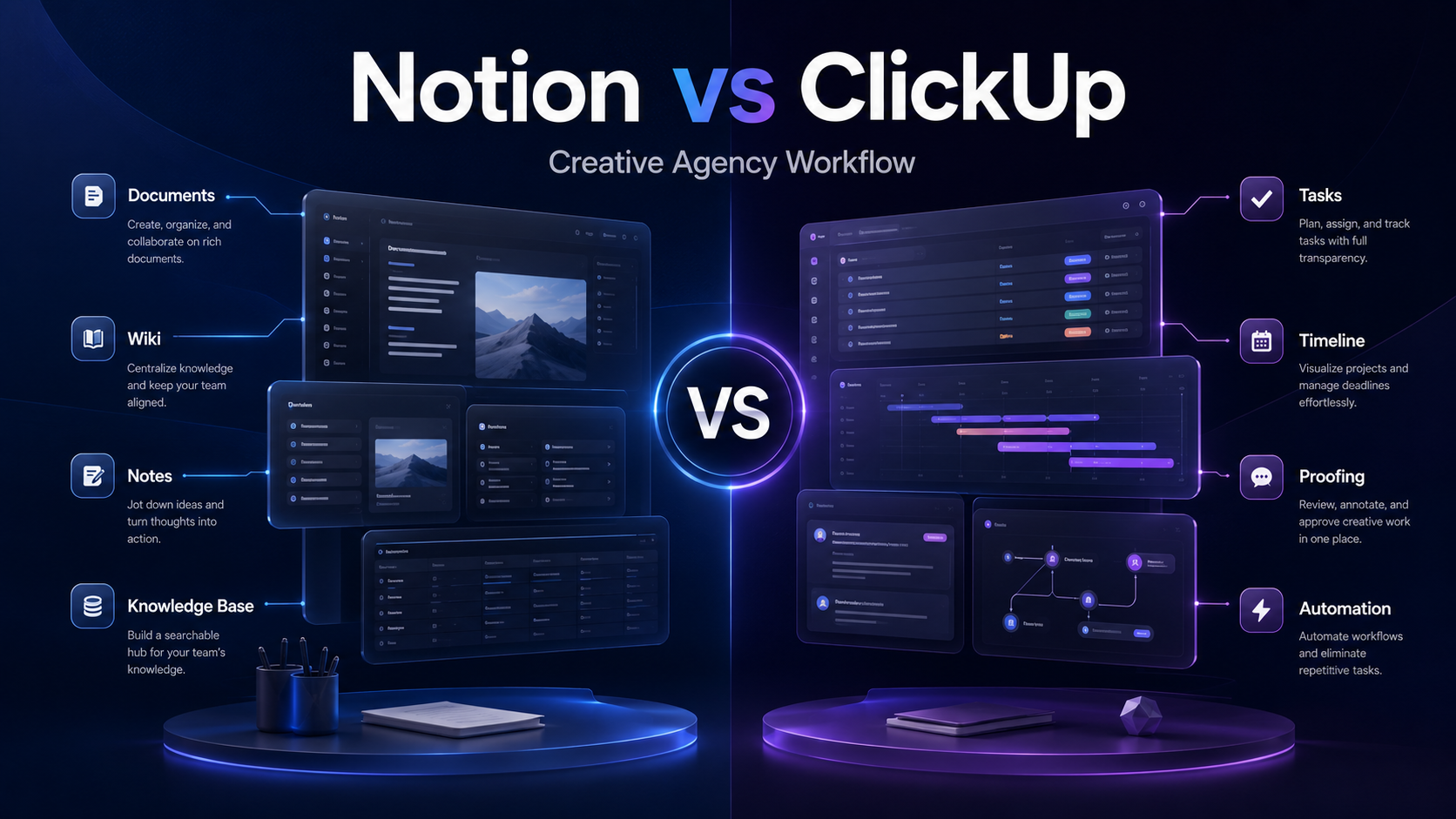
Most Notion vs ClickUp comparisons are written for agencies as a broad, faceless category — anywhere from a 3-person freelance collective to a 200-person ops-heavy shop. That is not useful if you are actually running a small creative team: a designer, a copywriter, maybe a video editor, juggling five client accounts and a Slack channel that never stops pinging with requests to move a button two pixels to the left.
For a small creative agency specifically, the deciding factor usually is not automations or Gantt charts. It is how your team gives and receives client feedback on actual creative work, and how much it costs to include clients in the tool without paying enterprise prices for a 6-person team. Here is how Notion and ClickUp actually stack up on that basis.
The Core Difference, In One Line
ClickUp is a built project management product. Notion is a flexible workspace you build yourself. That single distinction explains almost every tradeoff in this comparison. ClickUp gives you features immediately; Notion gives you freedom to design them.
Neither approach is inherently better. For a small creative agency, the question is which trade-off matches your team's working style and your clients' expectations.
1. Client Feedback and Creative Proofing
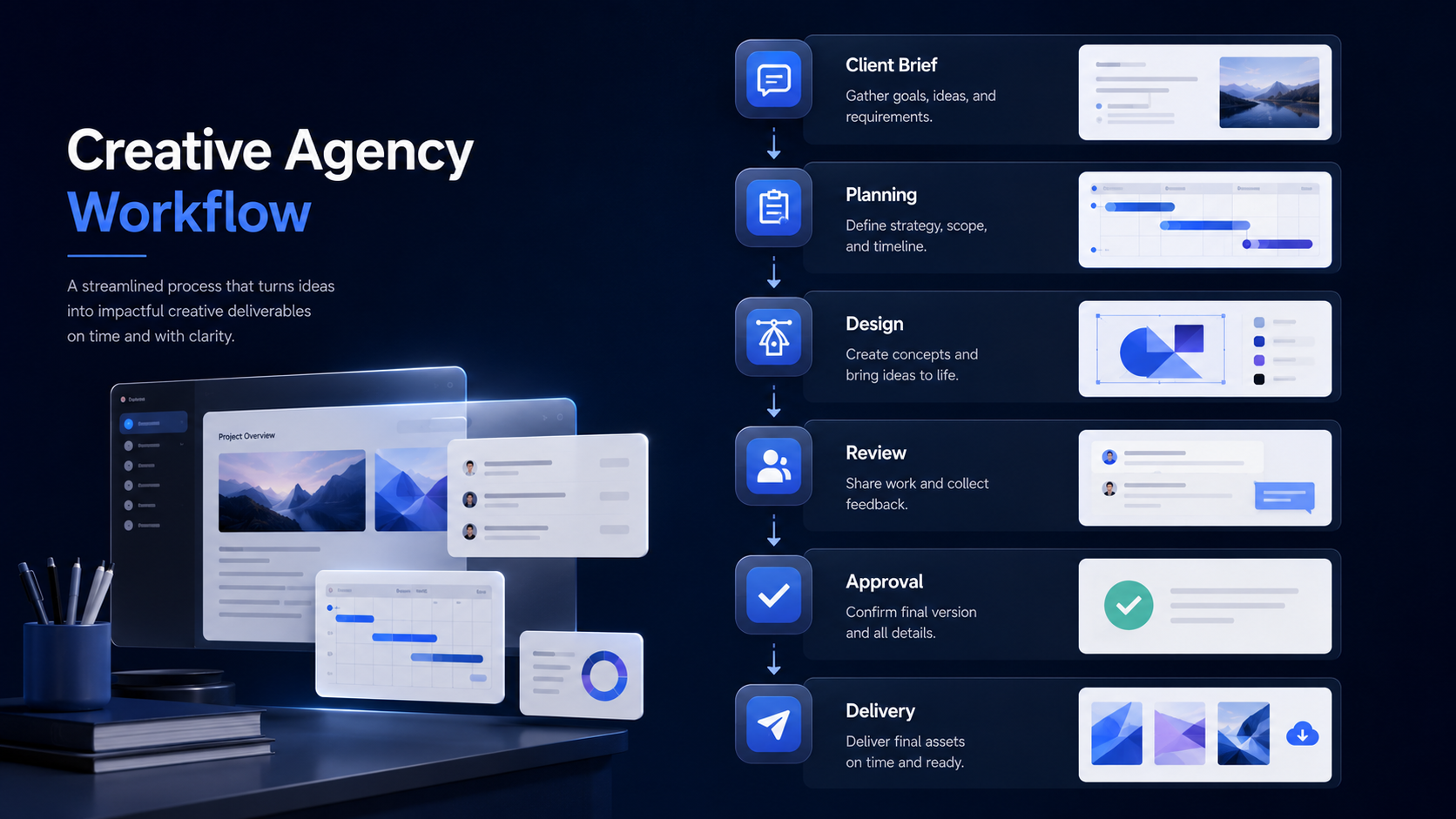
If your day-to-day involves clients marking up designs, videos, or PDFs directly, this is the single biggest differentiator for a creative agency.
ClickUp
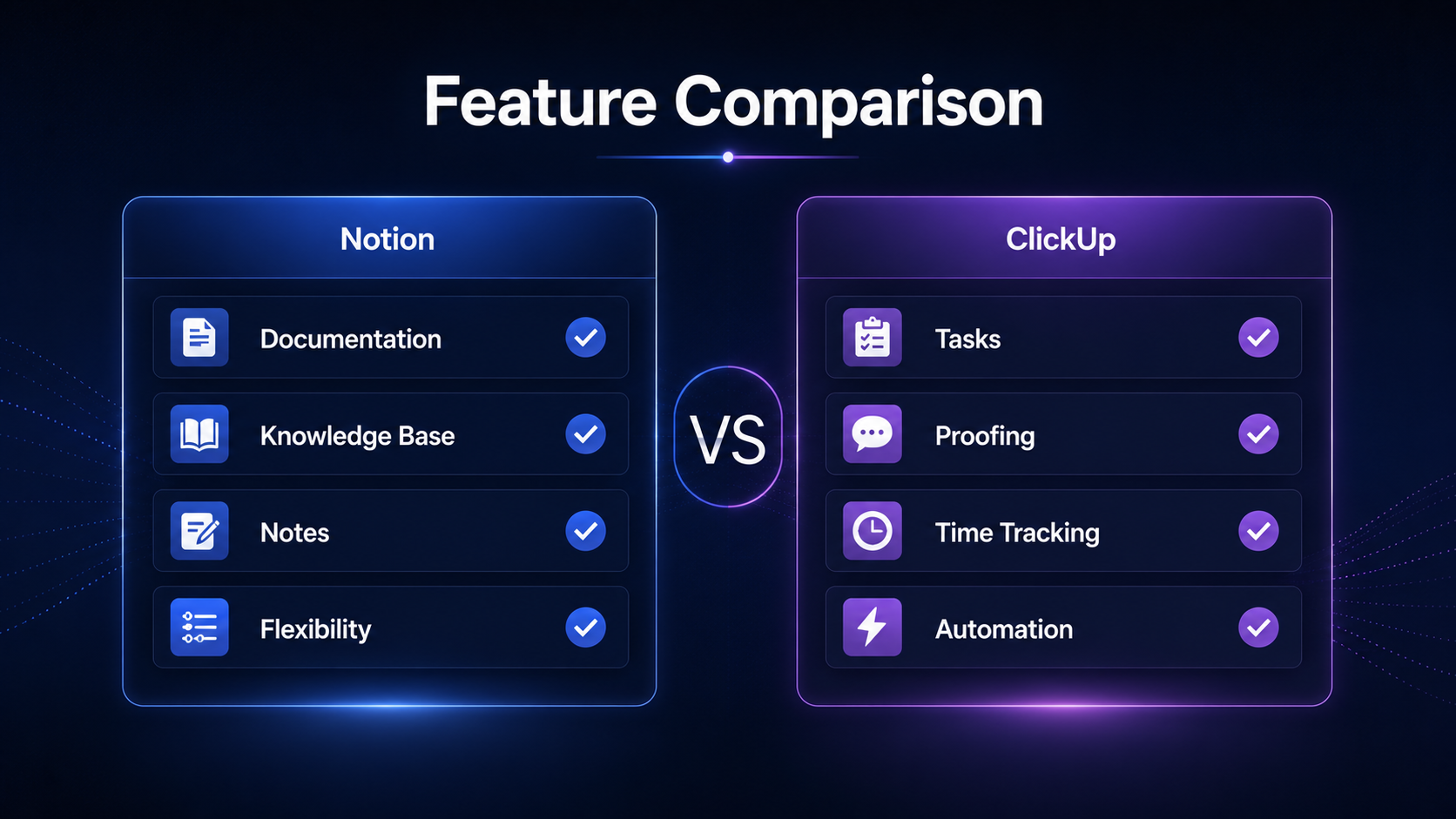
Includes native proofing tools that let clients and team members drop pinpoint comments directly onto images, PDFs, and video files. Comments can be converted into tracked, assignable tasks that must be resolved before the parent task closes. This is a purpose-built creative review workflow, not a workaround.
Notion
Has no native proofing tool. Teams typically work around this by embedding files and using page comments — acceptable for text-based feedback, but clunky for a client who needs to say "this logo needs to be 10% bigger" and point to a specific position in a design file.
Verdict: For a design- or video-heavy creative agency, this factor alone often settles the decision in ClickUp's favour.
2. Client and Guest Access
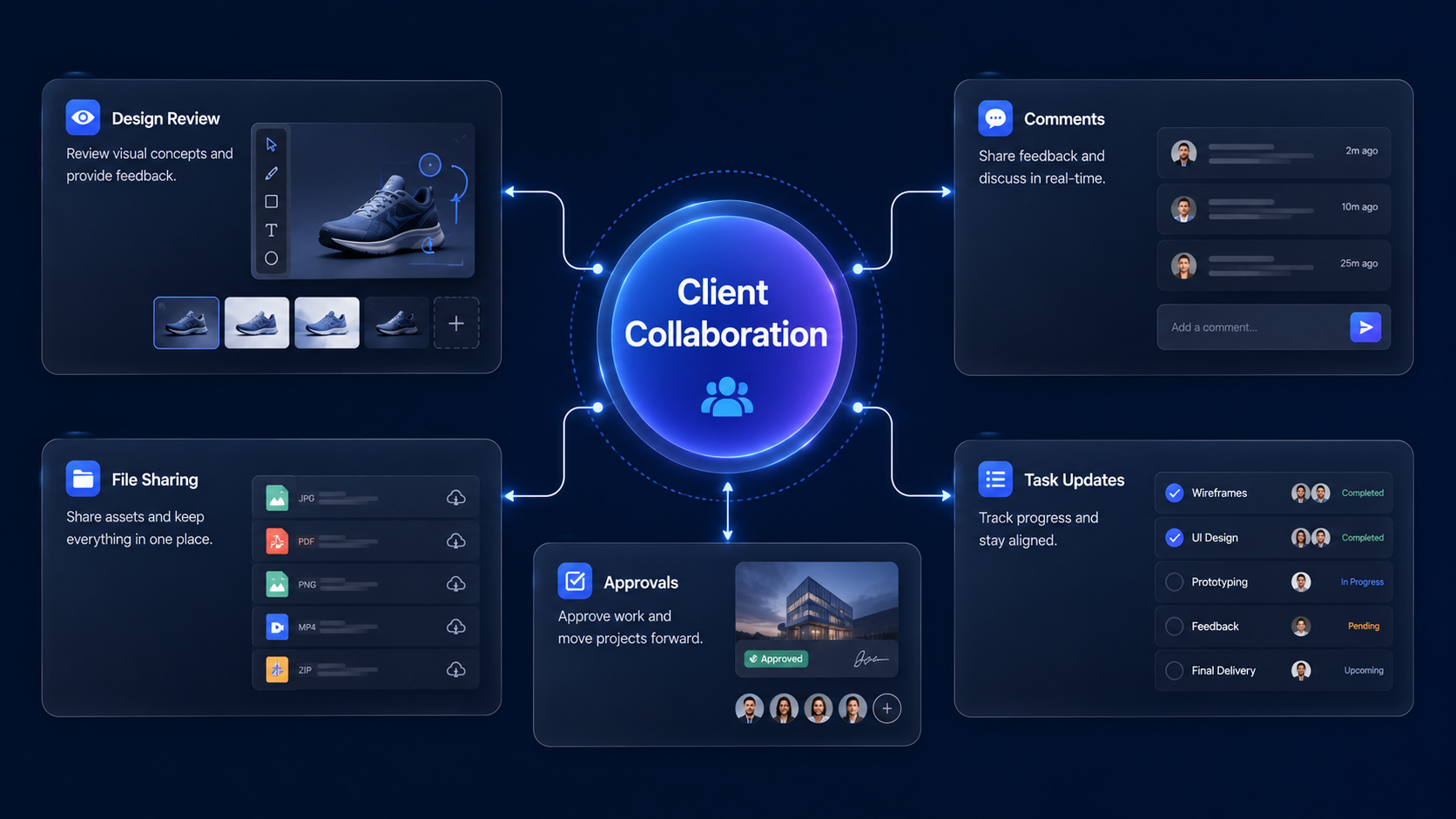
Notion — Cleaner Guest Experience
Includes guest collaborators on all plans — up to 10 guests free, up to 100 on the Plus plan. The viewing experience is clean and intuitive for non-technical clients navigating a shared page. Granular, database-level permission control requires the Business plan.
ClickUp — More Functional Guest Permissions
Offers guest access with granular permissions on paid plans, so guests only see what you explicitly share. Functionally solid, but the experience is noticeably less polished for a non-technical client compared to Notion's simpler page-sharing model.
If your clients are hands-off and just need to view a status page or leave occasional comments, Notion feels friendlier. If your clients need to actively interact with tasks and approvals, ClickUp's permission system does more, even if it looks less polished doing it.
3. Pricing at Small-Agency Scale
Most comparison articles quote per-seat prices and stop. A 6-person creative agency needs to see the real monthly number, not just the sticker price. All figures below are approximate from July 2026 documentation — verify current rates directly before subscribing.
| Plan Tier | ClickUp | Notion |
|---|---|---|
| Entry paid tier | Unlimited — $7 / user / mo | Plus — $10 / user / mo |
| Mid tier | Business — $12 / user / mo | Business — $20 / user / mo |
| 6 seats, entry tier / mo | ~$42 | ~$60 |
| Free tier | Unlimited users and tasks | Works for individuals; team use typically needs Plus |
ClickUp is consistently cheaper per seat at every team size once you are past a solo workspace. The exception: if your team is small enough to stay on Notion's free plan, Notion can actually be free longer than ClickUp's comparable free tier holds up for real client work. Worth testing both free tiers against your actual team size before assuming ClickUp is automatically cheaper.
4. Documentation and Knowledge Base
For a creative agency, this means client brief templates, brand guideline docs, SOPs for recurring services, and case study archives.
Notion — Clear Winner Here
Notion's block-based editor is built specifically for document-heavy work. It is flexible, fast to format, and genuinely pleasant to write in — closer to a polished document than a database entry. Client brief templates, brand guideline docs, and project wikis feel at home here.
ClickUp — Improving, Still Behind
ClickUp Docs has improved significantly and now lives contextually alongside your tasks and projects. You can embed a live task list inside a project brief. But the actual writing and formatting experience still lags behind Notion's more mature block editor.
Common real-world setup: Many small agencies end up running ClickUp for day-to-day delivery and proofing, and Notion purely as the internal wiki and knowledge base. This works, but means maintaining two tools and two monthly costs instead of one.
5. AI Features
Notion AI
Bundled into the Business plan at no additional cost. AI-assisted writing, summarisation, and Q&A across your workspace docs are included in the plan price.
Included in Business plan
ClickUp Brain
Available as a separate paid add-on on top of your existing plan tier. Adds AI-assisted task management, search, and writing assistance, but increases the total cost per user.
Paid add-on on top of plan price
Neither AI feature is typically the deciding factor for a small creative agency's core workflow — proofing and client management matter more day-to-day. But if AI-assisted writing or summarisation is a priority, Notion currently includes it at lower additional cost.
6. Quick Comparison Summary
| Factor | Notion | ClickUp |
|---|---|---|
| Client creative proofing | No native tool | Native, strong |
| Client guest experience | Clean, simple | Functional, less polished |
| Price at 6 seats, entry tier | ~$60 / mo | ~$42 / mo |
| Documentation and wiki quality | Excellent | Improving, still behind |
| AI included in plan | Yes (Business plan) | Paid add-on |
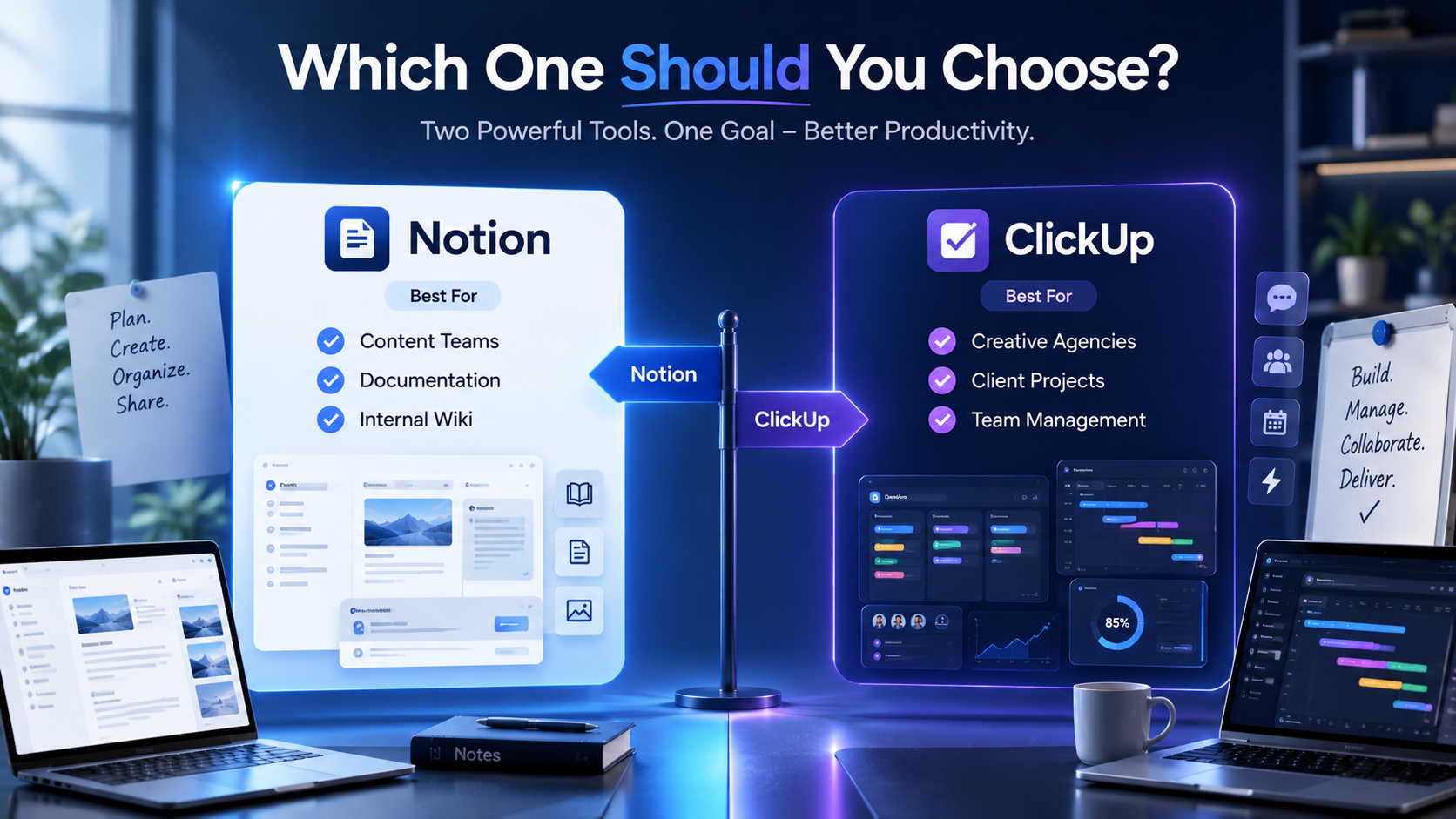
| Best for | Brand strategy, content, client wikis | Client delivery, creative review, deadlines |
7. The Verdict for Small Creative Agencies
There is no universal right answer. The deciding factor for a small creative agency specifically is almost always whether client-facing visual feedback matters more to your daily workflow than flexible internal documentation.
Choose ClickUp if
Your work is delivery-heavy — client creative reviews, deadline-driven campaigns, and you want proofing tools and task tracking built in without assembling them yourself. It is also the cheaper option per seat at every team size with real client involvement.
Choose Notion if
Your agency leans more strategic and document-led — brand strategy decks, content calendars, research, and client-facing wikis — and you are comfortable that creative proofing will need a workaround or a second tool alongside it.
Choose Both (a common real-world setup)
ClickUp for day-to-day delivery and client proofing, Notion as the internal knowledge base and client-facing brief repository. This costs more and means maintaining two systems, but many small agencies land here specifically because neither tool does everything well on its own.
Unovix Editorial Transparency
This article was authored with strict technical and empirical integrity. Unovix never publishes sponsored articles, paid soft lobbies, or non-peer-reviewed tools reviews. We maintain deep operational servers to stress-test software performance parameters independently.